Auto Flow
Auto Flow: bulk video generation without the manual loop
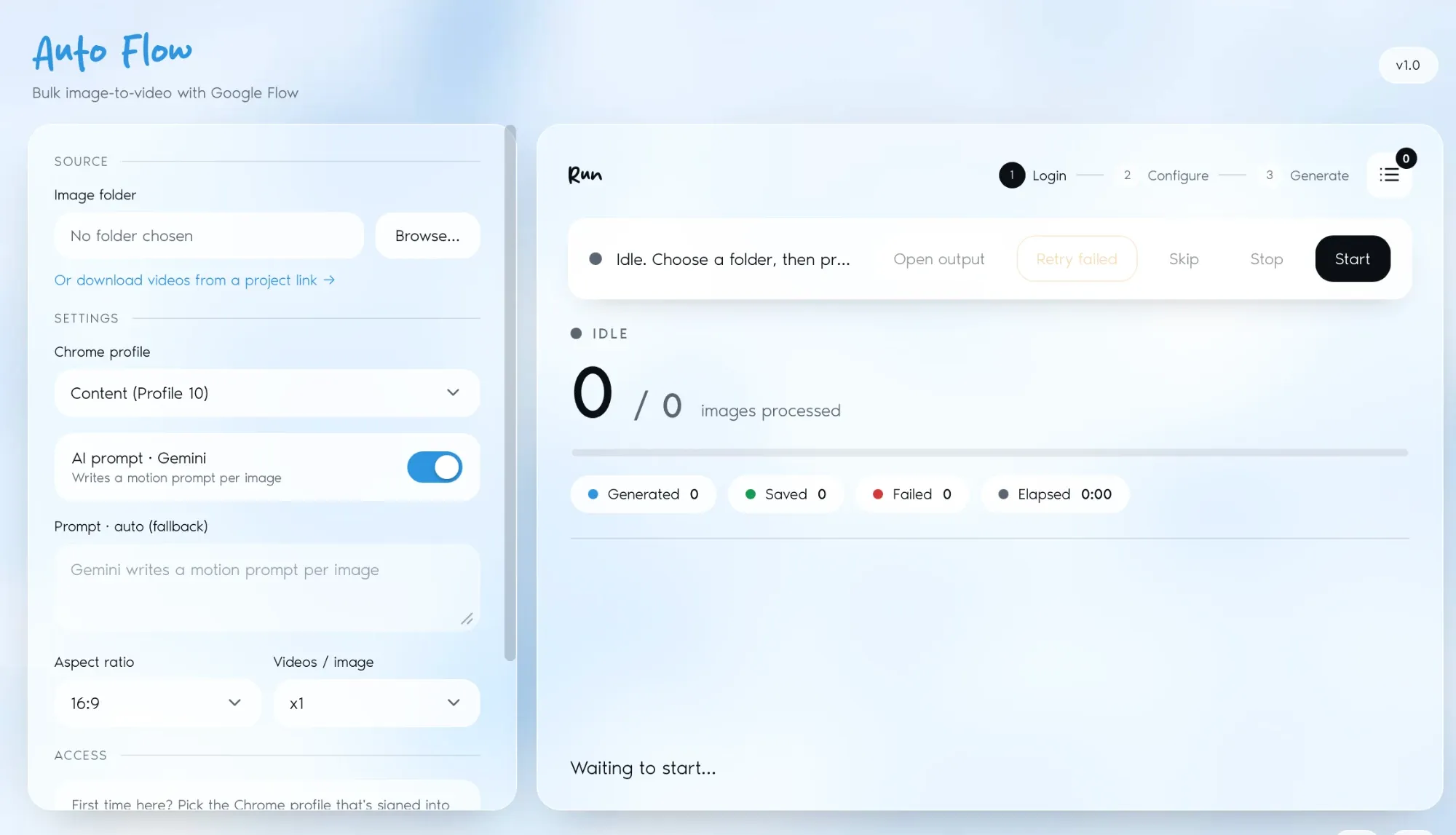
Point it at a folder of images and it generates every video unattended, three at a time.
(02)
Started June 2026, in active development

Auto Flow
Services
Apps · Tools & Systems
Stack
PythonPlaywrightElectronGemini API
The problem
Google Flow asks for the same six steps on every single image: upload, configure, prompt, generate, wait, download. At a dozen images that is tedious. At a hundred it is a full working day of clicking, and one missed step means starting that image again.
What we built
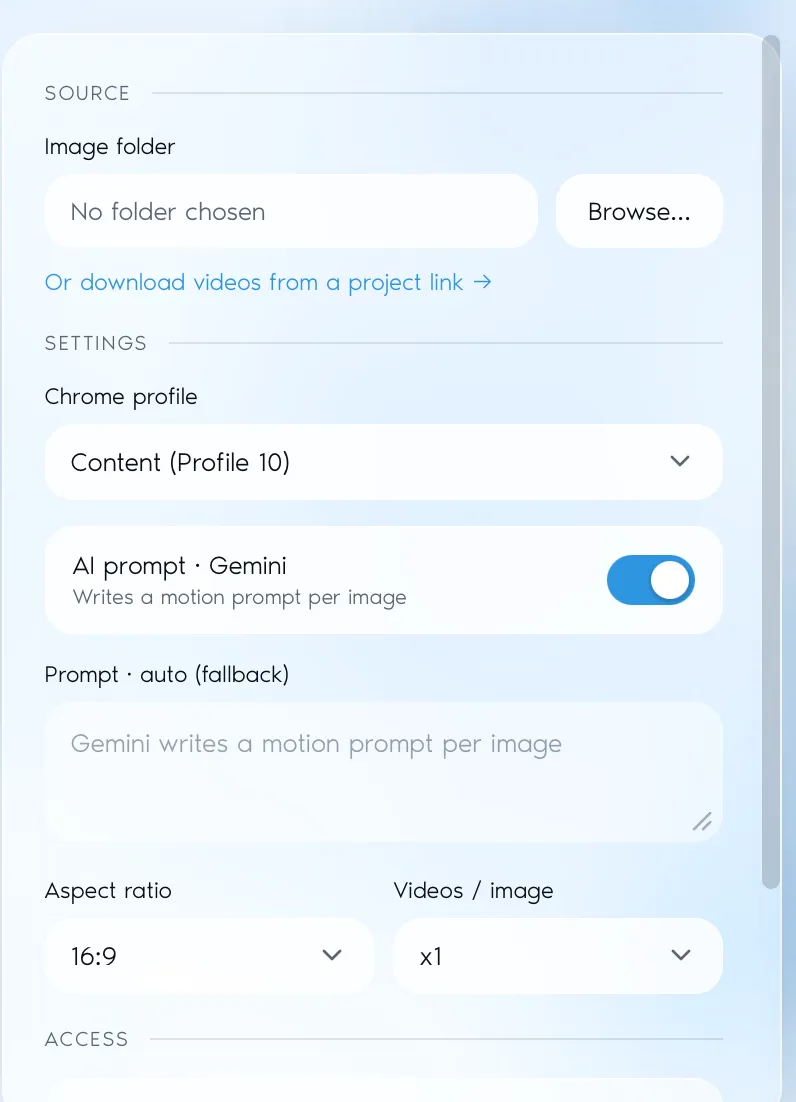
A cross-platform desktop app that drives the Flow interface directly. It takes a folder of images, a prompt template (or per-image prompts written by Gemini from the image itself), and runs the whole batch. Progress is written to CSV as it goes, so an interrupted run picks up where it stopped instead of reprocessing everything.
Pipelining, not queueing
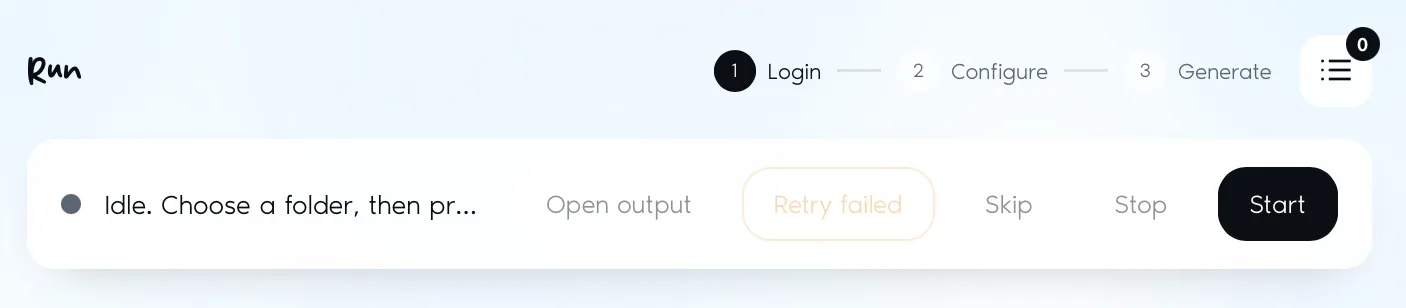
The obvious build runs one image at a time and spends most of its life waiting. This one starts uploading the next image once the current generation passes 20%, keeping up to three in flight, and parallelises every download at the end. That is where the time saving actually comes from.
Knowing when a generation is done
Flow shows a live percentage overlay that simply vanishes on completion. Polling for the absence of an element is fragile: a network stall or a UI flicker reads as success. Completion is confirmed two ways instead: the overlay has to disappear and the finished video has to appear in the media picker with a valid ID. Failed generations are caught and retried once.
By the numbers
~3×
Faster per batch
3
Generations in flight at once
Outcome
A 24-image batch that took roughly two hours of supervised clicking now runs in about half an hour, unattended.
Auto Flow exists because the interesting part of generating video from images is choosing the images. Everything after that is the same six interactions repeated until the folder is empty.
Two frontends, one automation core
The same automation logic is wired to two interfaces (a PyWebView app for the Python build and an Electron app for the Node build), so the tool can be packaged for macOS and Windows without maintaining two behaviours. A second mode downloads every video from an existing Flow project link, which turned out to be the feature people reached for most after the first batch.
The part we chose not to build
The Electron build contains a half-finished engine pointing at Higgsfield, another video platform. It does not work, and it is staying that way. Higgsfield actively detects browser automation and refuses authenticated access; the standard workaround is to strip the automation flag with stealth launch flags, which would breach their terms of service. The selectors were written. The bypass was not.
Got a job like this one?
Tell us where it hurts and we will tell you what we would do about it.